A Guide To Search Engine Optimization (SEO) For YouTube Search
As the second-largest search engine, YouTube offers a huge opportunity for businesses and influencers to reach a vast audience. However, with fierce competition, standing out requires effective SEO for YouTube. But, what is YouTube SEO? Let’s look at fundamental strategies to help your videos rank higher and get discovered.
Article Quick Links!
- What Is YouTube SEO?
- Why YouTube SEO Matters
- A Look At YouTube’s Algorithm
- How to Implement YouTube SEO
- Keyword Research for YouTube
- Optimize Video Titles
- Use a Targeted Keyword or Phrase in Your Video File Name
- Craft Effective Descriptions
- Use Video Tags (5 to 8)
- Use Hashtags “#”
- Organize Your Videos Into Playlists
- Optimize Your Thumbnail
- Encourage Engagement
- Promote Your Channel and Videos
- Upload Closed Captions and Subtitles
- Longer Videos Do Better, But…
- YouTube SEO Results Take Time
- Need Help with Your YouTube Strategy? Arvo Digital Can Help!
What Is YouTube SEO?
YouTube SEO (Search Engine Optimization) means optimizing your YouTube videos, channel, and content to improve their visibility in both YouTube’s internal search results and external search engines like Google. Just as SEO is crucial for websites to rank higher and attract more visitors, YouTube SEO is important for videos to reach a larger audience, gain more views, and increase subscriber numbers.
Why YouTube SEO Matters
Simply put, higher rankings equals more visibility, which translates to more views, engagement, and, ultimately, a loyal audience. YouTube’s algorithm favors videos with strong SEO signals like relevant keywords, high watch times, and strong user interaction (likes, comments, shares, subscriptions). Without these factors, even great content can get buried under the competition.
Optimizing your videos not only increases your chances of being found by your target audience but also ensures your content aligns with what viewers are searching for. This allows businesses, influencers, and creators to tap into highly relevant traffic, build brand authority, and increase conversions, whether it’s more subscribers, sales, or website traffic.
A Look At YouTube’s Algorithm
YouTube’s algorithm, like Google’s, ranks and recommends videos based on several key factors:
- Keyword Optimization: Using the right keywords in your title, description, and tags helps YouTube understand and match your video to search queries.
- Content Quality: Valuable, engaging, and relevant content keeps viewers watching your videos.
- Engagement Metrics: Likes, comments, shares, and subscriptions signal that your video is worth promoting.
- Audience Retention: The longer viewers stay on your video, the more YouTube will prioritize and recommend it.
- Technical Optimization: Proper formatting, compelling thumbnails, and accessibility features like captions contribute to better SEO.
YouTube’s algorithm plays a major role in determining which videos will appear in the search results and recommendations. Understanding and leveraging these factors through YouTube SEO can drastically improve your chances of reaching your target audience.
How to Implement YouTube SEO
So, let’s get right into how you can implement good SEO for YouTube by looking at the following steps and tips.
1. Keyword Research for YouTube
Keyword research is the foundation of effective YouTube SEO, helping you identify the specific terms and phrases your target audience uses. Aligning your videos with these search terms improves your chances of ranking higher on YouTube and Google search results.
How to Perform Keyword Research for YouTube:
- Use YouTube’s Search Bar: Start by typing relevant words or phrases into YouTube’s search bar.

The auto-suggestions that appear are actual search queries from users and can provide valuable insights into popular topics and phrases related to your content.
- Leverage YouTube-Specific Tools: Tools like TubeBuddy, vidIQ, Semrush, and Ahrefs provide keyword data like search volume and competition, helping you find low-competition opportunities.
- Analyze Competitors: Analyze top-ranking videos in your niche. Take note of the keywords used in their titles, descriptions, tags, and hashtags. This can give you a sense of what’s working and inspire new keyword ideas for your own videos.
- Stay on Top of Google Trends: Track keyword popularity over time, focusing on YouTube search trends.
- Focus on Long-Tail Keywords: While popular keywords have high search volumes, they often come with steep competition. Instead, target long-tail keywords (specific, longer phrases), which may have lower search volumes but less competition, making it easier to rank.
Where to Use Keywords:
Once you’ve narrowed down what keywords to use, you should implement them in the following areas:
- Titles
- Descriptions
- Tags
- Captions/Subtitles
- Video File Name
Incorporating the right keywords throughout your video’s metadata helps YouTube’s algorithm understand your content, making it more likely to surface in relevant searches and suggested video lists.
2. Optimize Video Titles
Not only should you implement your primary and secondary keywords into your video titles, but it’s recommended that you keep the length of your title between 50 and 60 characters.
3. Use a Targeted Keyword or Phrase in Your Video File Name
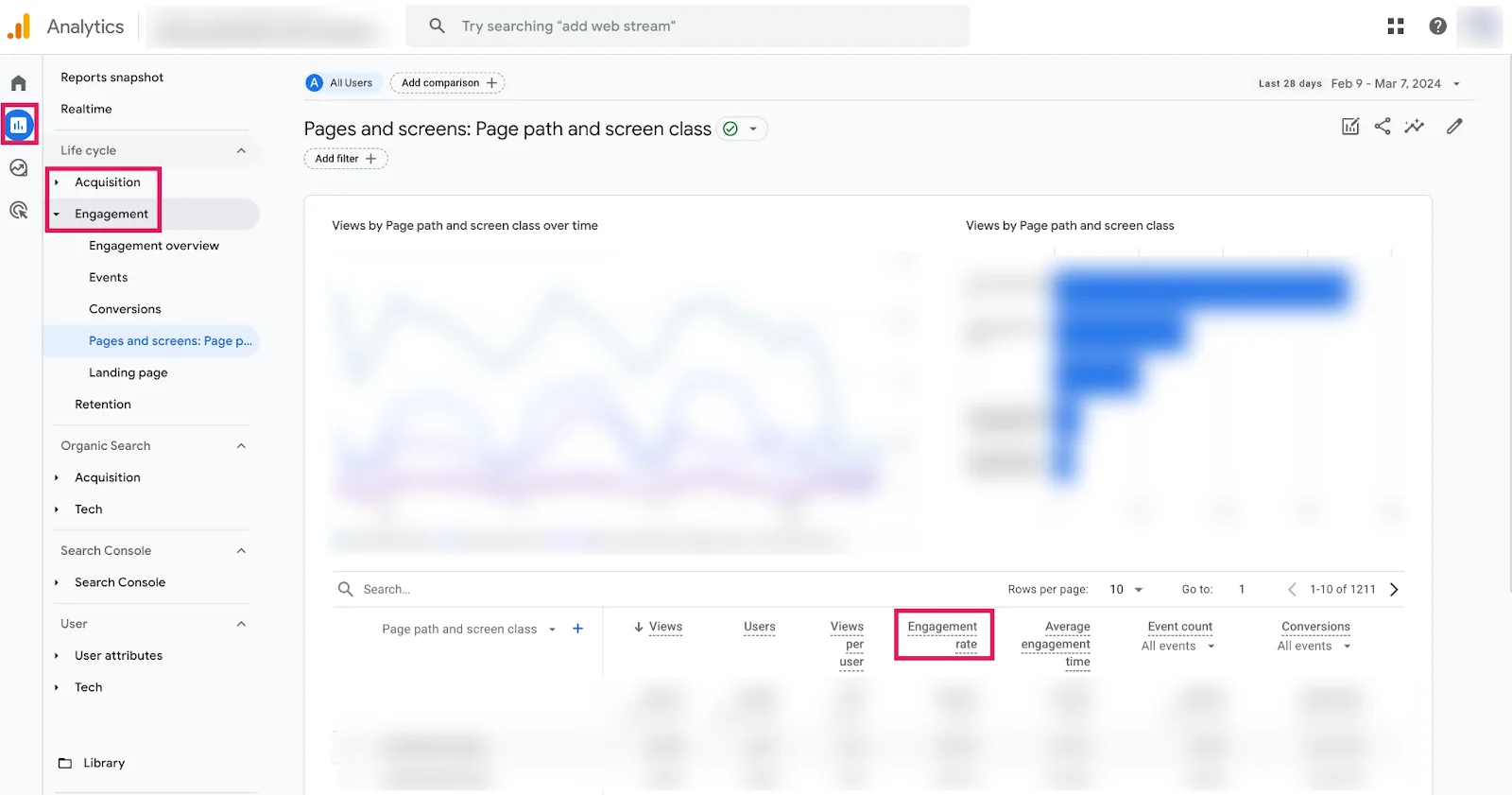
A lesser-known YouTube SEO tactic is to include a targeted keyword or phrase in your video file name. While YouTube’s algorithm doesn’t analyze the actual video content, it does factor in the file name to understand your video better. For example, instead of a generic file name like “video_4123.mp4,” rename it to something more descriptive, like “how-to-start-a-vegetable-garden.mp4.”
This practice also helps with Google SEO, as search engines can crawl the file name and boost your video’s chances of ranking in search results.
4. Craft Effective Descriptions
Use your primary and secondary keywords throughout your description to help YouTube understand your content. The first 100 to 150 characters of your video description are the most important, as they are what appear in the search results.
5. Use Video Tags (5 to 8)
YouTube tags are descriptive keywords that help viewers find your videos. These are considered optional but help YouTube understand your videos’ content and context. Focus on relevant keywords and avoid using too many tags (Backlinko recommends between five and eight tags).
6. Use Hashtags “#”
YouTube hashtags are clickable keywords or phrases preceded by the “#” symbol that assists in categorizing your content and makes it easier for viewers to find related videos specific to topics or trends.
Hashtags differ slightly from video tags because you can insert them into your title or the bottom of your video description. You can find hashtags for your video titles and descriptions by entering the hashtag symbol, followed by a keyword or phrase, into YouTube’s search bar. YouTube will show you a list of related hashtags that people are searching for.

How many hashtags should you use? According to Sprout Social’s comprehensive guide on YouTube hashtags, the recommendation is three to five hashtags in your description and one to two in your title for optimal results.
7. Organize Your Videos Into Playlists
Grouping your videos into playlists can increase watch time by encouraging viewers to watch multiple videos consecutively. Organizing videos into playlists also improves content organization and discovery.
8. Optimize Your Thumbnail
Create eye-catching, relevant thumbnails that match the titles of your videos to encourage clicks. An effective thumbnail can increase click-through rates (the percentage of people watching your video). Using a consistent style can also increase brand recognition and attract returning viewers.
9. Encourage Engagement
Encourage viewers to like, share, and comment on your videos as these interactions signal to YouTube that your content is valuable and engaging. The more engagement your videos receive, the higher they will rank in search results and recommendations.
You can encourage people to engage with your videos by using effective call-to-actions to subscribe or questions to prompt comments. Including similar call-to-actions or prompts in your video descriptions can also drive more interactions.
10. Promote Your Channel and Videos

Widen your video’s reach by sharing it across social media, blogs, and other online platforms. Cross-promotion drives traffic and increases visibility beyond YouTube. Additionally, generating backlinks from reputable websites helps boost your video’s authority, which can improve its search rankings on both YouTube and Google. Consistently promoting your videos can lead to higher views and engagement.
11. Upload Closed Captions and Subtitles
Adding closed captions and subtitles improves accessibility, increases engagement, and boosts YouTube SEO. Captions provide YouTube with additional text to index, helping your video rank higher for relevant keywords. Subtitles also widen your reach by making your content accessible to non-native speakers and international viewers.
To add captions or subtitles, you can upload a transcript, such as an SRT file, or use YouTube’s auto-captioning tool, then edit for accuracy. Accurate captions not only enhance user experience but also strengthen your SEO efforts.
12. Longer Videos Do Better, But…
According to Brian Dean from Backlinko, longer videos tend to perform better on YouTube. However, he also emphasizes quality should take priority—if your content can stay engaging and valuable for over 20 minutes, go for it.
Descript also advises that longer videos can work well if your audience stays engaged, as YouTube prioritizes viewer retention and watch time over video length alone.
In short, consistently uploading quality and engaging videos is key. Create longer videos only if they make sense for your content and if they will continue to entertain or inform your audience.
YouTube SEO Results Take Time
We’ve covered a lengthy list of some of the best tips for YouTube SEO and how to implement them. It may take time to see results as you practice and adapt your strategies as needed. Frequently check your YouTube Analytics to see what works and what doesn’t, and be patient with yourself as you optimize your channel and videos.
Need Help with Your YouTube Strategy? Arvo Can Help!
YouTube optimization is crucial for maximizing the visibility and impact of your videos. At Arvo Digital, we integrate SEO into your YouTube and video strategy by analyzing search trends and providing insights into popular topics worth addressing. Our service includes optimizing key elements like titles, descriptions, tags, and categories to ensure your videos rank higher, attract more views, and engage your target audience effectively.
Reach out today if you’d like one of our strategists to provide a free review of your YouTube search strategy!